
Push real-time payment events from your CBS to Soundbox devices.
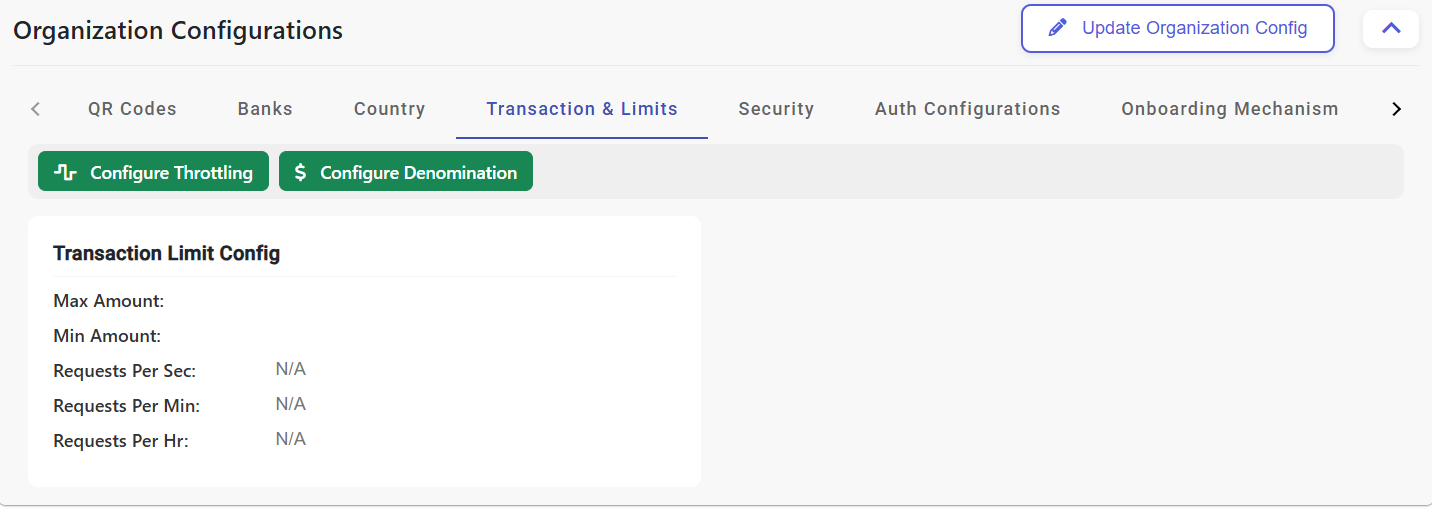
This screen is used to configure transaction push endpoints and delivery behavior for soundbox notifications.
After saving, the next visible state is the configured transaction profile where endpoint values can be reviewed or edited later.
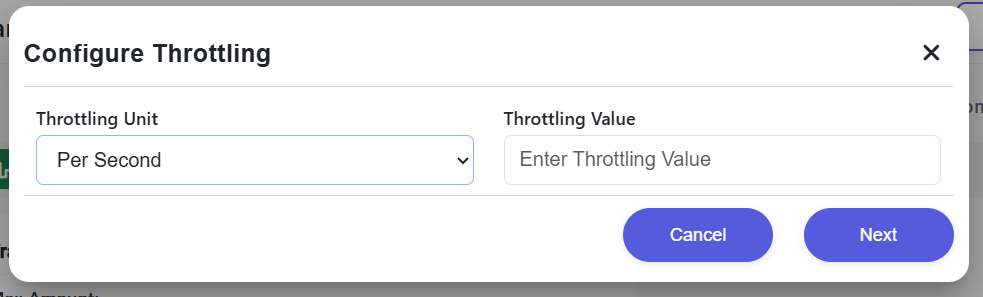
These controls define request pacing, denomination handling, and operational restrictions before messages are accepted for delivery.
Once updated, the transaction engine applies the saved limits when processing incoming notification payloads.
Step 1: CBS sends payload to /message/send.
Step 2: Payvala validates HMAC and verifies device status.
Step 3: Message is queued in MQTT Broker for immediate delivery.
Step 4: Soundbox receives data and performs localized audio playback.