
Stay proactive with automated system and security alerts.
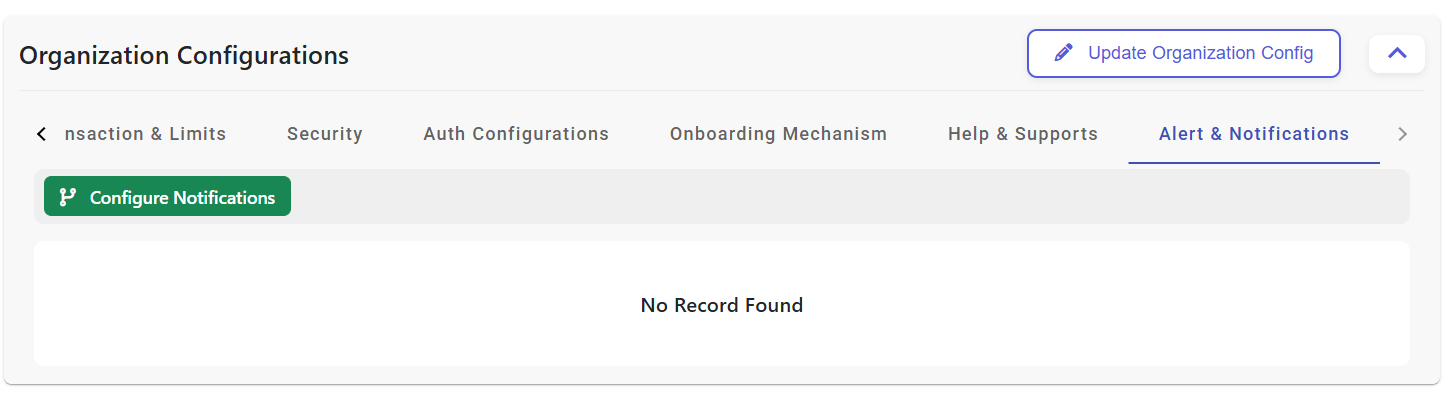
This dashboard shows existing alert targets and categories; the user can review configured recipients before editing.
Choosing add or edit opens the detailed notification form where email targets, activation rules, and priorities are updated.
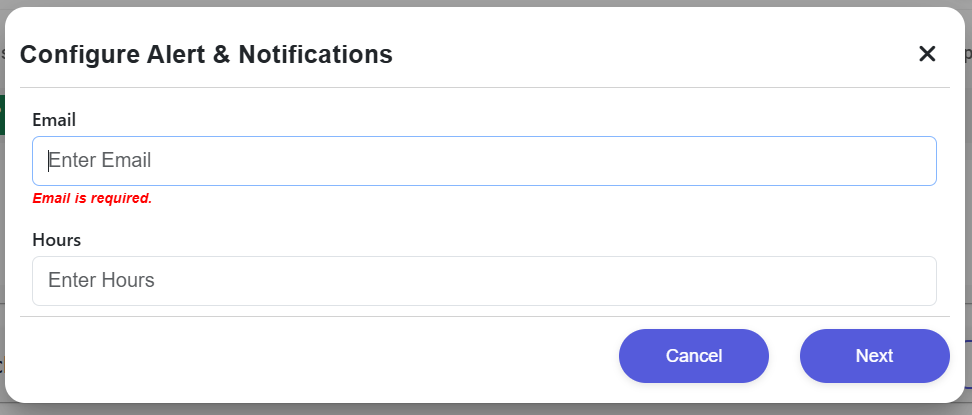
Save stores the mailbox and alert rules, then returns to the main notification listing with the updated configuration.
Cancel closes the edit view without applying changes and returns the user to the dashboard.
Sent 30 days, 7 days, and 24 hours before any certificate or HMAC secret expires.
Triggers on sustained HMAC signature failures or unauthorized IP access attempts.
Alerts when your CBS response times or error rates exceed the defined SLAs.